Framework Laptop 13 BIOS Update Can Break AMD Ryzen 7040 Bootability
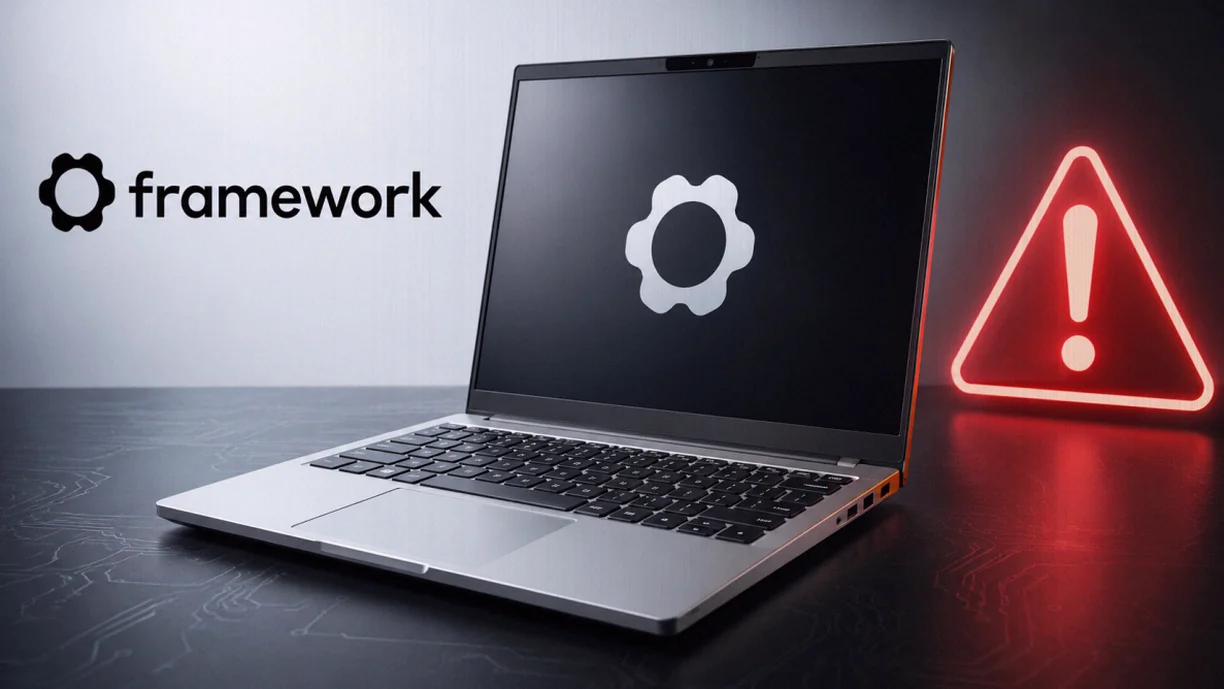
A BIOS update for the Framework Laptop 13 equipped with AMD Ryzen 7040 has been linked to cases where the device can end up with a mainboard that won’t boot. Framework says it has confirmed a small subset of updates can finish with boards that are no longer bootable, and it’s still investigating the root cause—while continuing to list BIOS 3.20 as the current “stable” download on its site.
Release and availability
| Item | Details |
|---|---|
| Product | Framework Laptop 13 (Ryzen 7040) |
| BIOS version in question | BIOS 3.20 |
| Status | Still offered online as “stable” |
| As checked | Remained listed on 20 August |
| Update methods referenced | Windows installer, EFI Shell package, and Linux via LVFS/fwupdmgr |
Framework is investigating reports from multiple users who say the firmware update appears to stall during installation and, afterward, the laptop may not start normally. The company has confirmed to a tech outlet that a “small portion” of updates results in systems that cannot boot.
Framework also outlined what happens next for affected hardware. If the device is covered by warranty, the company will replace the impacted mainboards. For users outside the warranty, Framework says it will consider exceptions when it can be established that a BIOS version released as stable caused the board to become unbootable.
Looking forward, Framework is working on what it calls a “Crisis Recovery Mode.” The goal is to restore failed BIOS updates without requiring a mainboard replacement—though the company has not given a public timeline for when this recovery feature will be available.
What users reported, and what Framework is still not explaining
The issue is tied to BIOS 3.20, but the reports do not point to a single, consistent trigger such as one specific installer. Documented cases include situations where systems were updated from BIOS 3.18 to 3.20 and appeared to hang for hours when using the EFI Shell method, with follow-up reports describing similar stalls.
Framework’s own “known issues” list at the time of review did not mention the possibility of ending up with an unbootable board. Instead, it listed other potential concerns, including problems related to BIOS output in standalone operation, missing display output during part of a PD firmware update, and unstable USB-C connections with iPhones—leaving the confirmed “brick” risk out of the public notice.
There are also examples that complicate a simple cause-and-effect narrative. In the same community discussions, some users reported successfully updating directly to BIOS 3.20. One cited case involved a Ryzen 5 7640U system updated straight from 3.18 to 3.20 via EFI Shell, and other reports indicate successful updates using Linux tooling.
Framework previously stated that BIOS 3.20 is based on BIOS 3.19, which was a beta release. The company also indicated that, compared with BIOS 3.19, BIOS 3.20 mainly adds a correction for audio playback. Users who had already been on 3.19 also reported successful upgrades to 3.20.
Recovery is possible—but the effort varies wildly
The support reports highlight how inconsistent outcomes can be. One user described a stalled update that stopped at two progress points; after fully discharging the battery, they were able to boot again and complete the BIOS update successfully afterward. Other systems reportedly remained unable to perform a normal boot.
One of the most involved cases concerned a Framework Laptop 13 with a Ryzen 7 7840U. That owner reported a firmware change from BIOS 3.18 to 3.20 via LVFS/fwupdmgr that became stuck, and the laptop later would not start normally. Several days later, the user recovered the unit using a community method that required externally flashing the BIOS memory. Framework’s approach to recovery is meant to reduce this kind of requirement, but the company has not yet provided details on when that future “Crisis Recovery Mode” will arrive.
Earlier firmware had a “wrong platform” brick risk
Framework has also referenced a related concern from an older release in the same platform family. In the release notes for BIOS 3.17, the company previously described a bug where the BIOS update process could run on the wrong platform, explicitly warning that this could lead to a bricked system. BIOS 3.17 was intended to fix that problem.
Whether that older defect has any connection to the current BIOS 3.20 unbootable-board reports remains unknown.
What BIOS 3.20 includes
Beyond the security fixes, BIOS 3.20 updates AMD PhoenixPI to FP8/FP7 1.2.0.0f. Framework also lists adjustments for the Framework Laptop 13 Pro, a fix for partially blocked self-encrypting drives, and additional general error corrections.
The firmware update package is not limited to the main BIOS image. Framework says it also includes an Embedded Controller update and PD firmware as components of the overall update bundle.
Key takeaways
- Framework acknowledges that BIOS 3.20 can, in a small number of Ryzen 7040 systems, leave the mainboard unbootable.
- Reported stalls and failures appear in multiple update paths (EFI Shell and Linux tooling), but there are also documented successful updates.
- Despite the confirmed risk, BIOS 3.20 remains available as the “stable” download, and the public known-issues list does not currently call out unbootable outcomes.